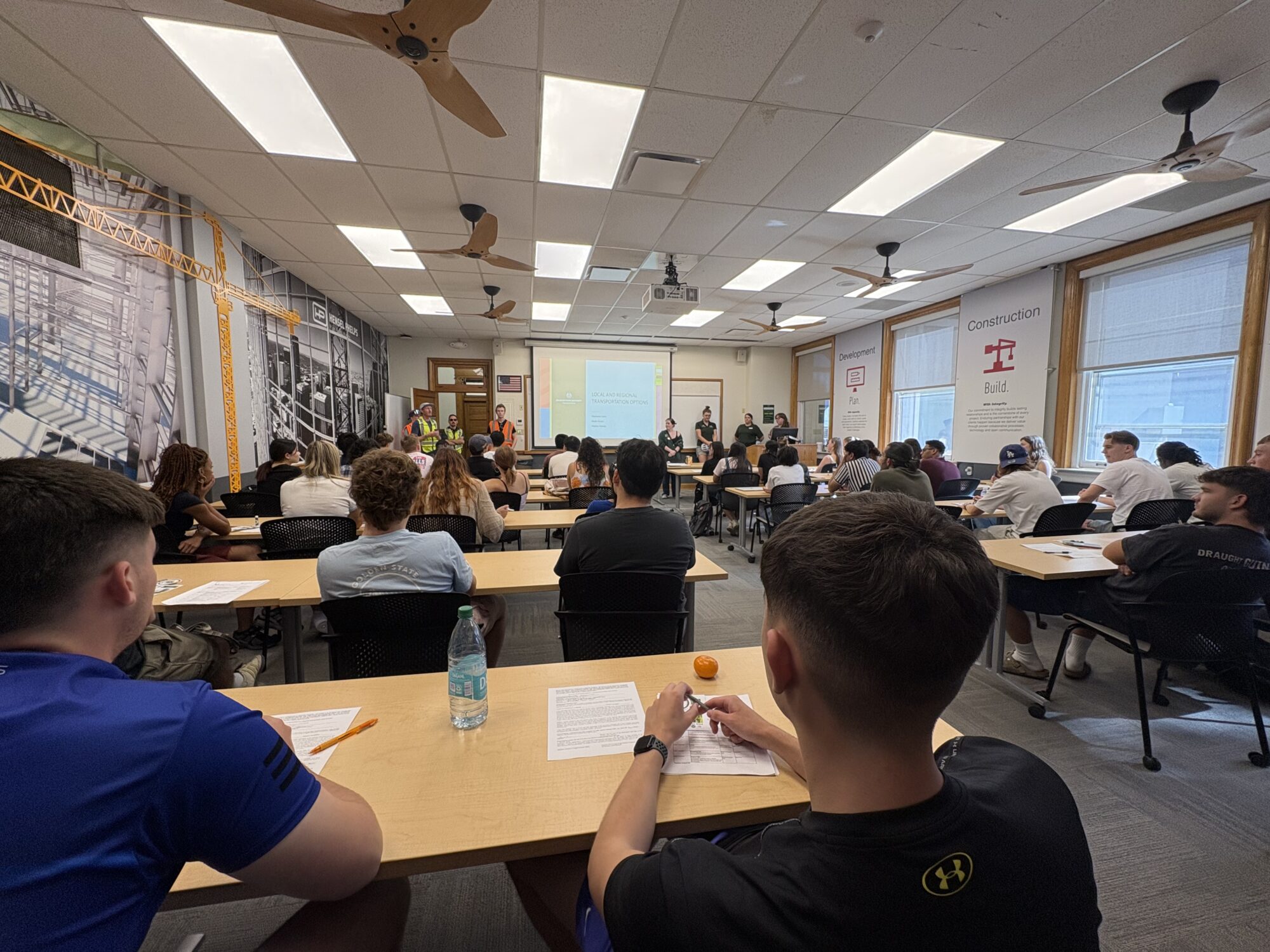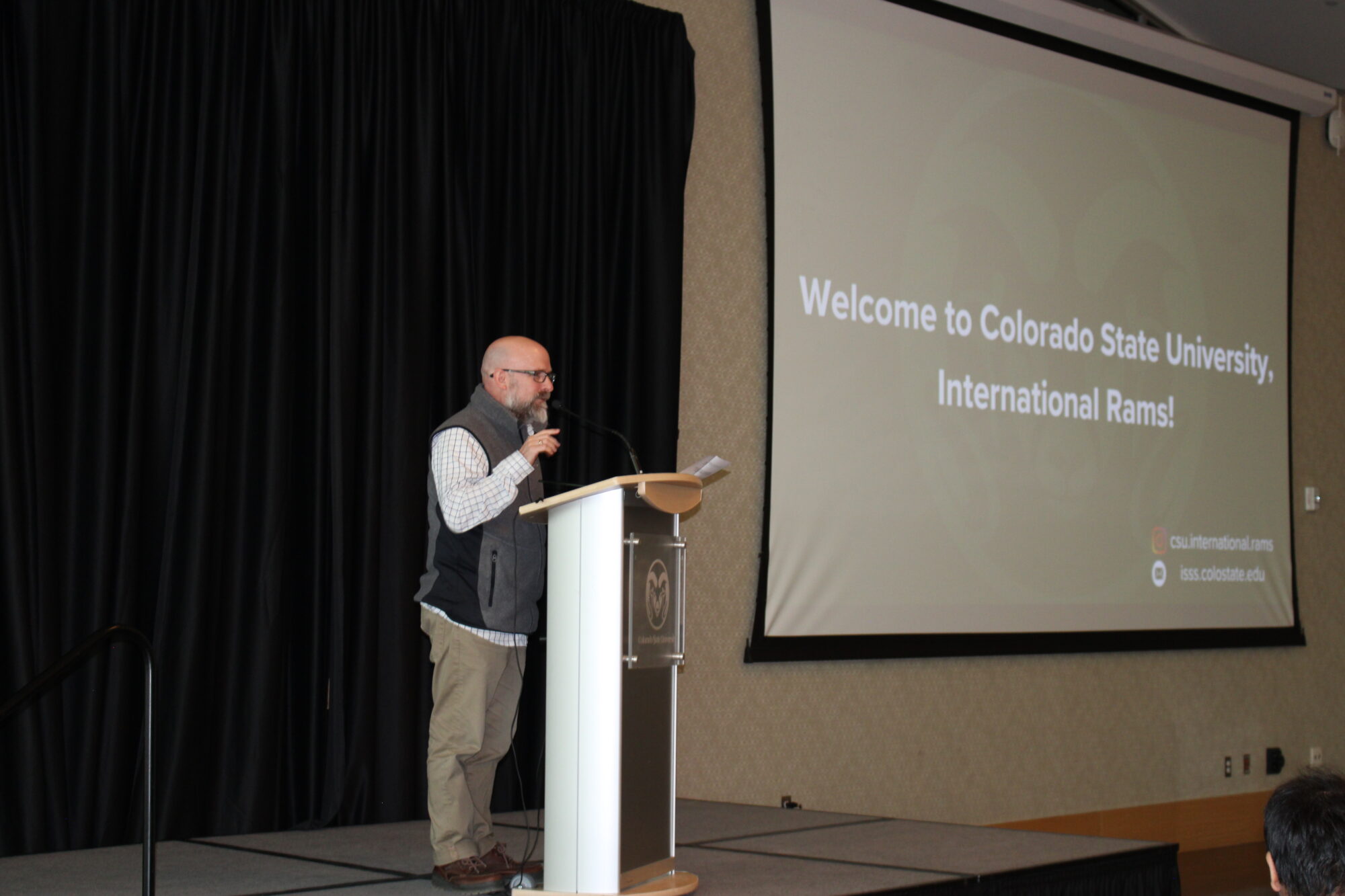

Orientation for all new, incoming international students is required. Orientation consists of both in-person and virtual sessions.
If you’ll be joining us next semester, stay tuned for dates and details for our upcoming orientation schedule. Please plan to arrive ahead of time to allow yourself enough time to settle in and attend optional events designed to help you become familiar with campus and Fort Collins.
Undergraduate Orientation
Tuesday, August 18, 2026 (mandatory)
Registration for Undergraduate International Student Orientation is now open! Students can view the orientation details, as well as all of their next steps, by visiting their RamStart Checklist (NetID Login required).
Graduate Orientation
Tuesday, August 18, 2026 (mandatory)
Registration for Graduate International Student Orientation is open! New students joining for Fall 2026 can now register at the link below. Mandatory sessions, as well as helpful optional sessions, are now available.
Orientation Overview
As part of orientation, you will:
-Learn about the many resources and services on campus, such as the Health Network, CSU campus safety resources, and more.
-Meet the international student advisors, who will help you understand how to remain in a legal immigration status.
-Understand CSU academic expectations and learn classroom success strategies.
-Build relationships and make friendships with other new international and domestic CSU students.
-Learn about Fort Collins International Center, a community non-profit working with our office to help you feel welcome and get involved both on campus and in the community.
-Have your questions and concerns answered by a network of people who are here to support you.
Airport Arrivals and Transportation Information
Be sure to book your shuttle from the Denver Airport to Fort Collins ahead of time using one of these two options:
Landline — Denver International Airport (DEN) to Fort Collins – CSU Transit Center (CSU)
Groome Transportation — Denver International Airport to FC – CSU Transit Center
We recommend arriving early in order to ensure you have everything in order for your successful transition to CSU.
Move-in and Housing Information
On-Campus Housing
While official move-in begins on August 18, students who are living in an on-campus residence hall or apartment may be able to arrive early. Early Check-in: August 16-17, for a charge of $90 per day. Visit the FAQ for more information about early move in options. Additional information can be found on the housing website.
Off Campus Housing
Students living off-campus will need to arrange move-in with their respective apartment or housing complex. For students needing temporary housing prior to moving into their place of residence, the Office of International Programs can help connect you with resources.
PLEASE ENSURE THAT YOU HAVE ARRANGED HOUSING PRIOR TO ARRIVING IN FORT COLLINS.
Activate CSU Email
If you haven’t already, make sure you have activated and are checking your official CSU email address. Helpful information about the process can be found below:
1. Enroll in Duo Two-Factor Authentication
Once you have your NetID, your next step is to enroll in Duo. Duo is a tool that provides two-factor authentication to better protect your account by requiring an additional piece of information beyond your username and password. When you access certain CSU online services (e.g. Microsoft 365, Teams, email, etc.), you will be required to use a device that you have to provide an additional layer of security to your account.
Need help enrolling in Duo?
CSU Information Technology Support Helpdesk
Phone: (970) 491-7276
Email: [email protected]
2. Activate your CSU Email
After you activate your NetID, you should also establish your university email account (using Office 365). Your email address is formatted with your first name and last name, followed by @colostate.edu. For example: [email protected]. This is referred to as your “alias” and is the public address you supply when someone wants to email you. Your CSU email account stays with you throughout your CSU experience.
Once you have been admitted, CSU staff and faculty will use your CSU email account for information including financial aid, housing, orientation, academic courses, transfer evaluations and more. Check your CSU email regularly once you have been admitted. You are responsible for the information sent to your CSU email account.
To log in to your CSU email account:
1. Go to the Office365 login page
2. In the sign-in box, enter your NetID as the username in the format [email protected]
3. Enter your NetID password
4. Once logged in, click on “Outlook”
Note: there might be a delay of up to two hours between when you create your NetID and when your email account is ready to use.
Immigration Document Review
All new CSU international students must complete a mandatory Immigration Document Review. This includes students who have transferred to CSU from another school and PLACE-to-CSU change of level students. Failure to complete this requirement will result in serious immigration consequences and will result in a hold being placed on your account. Students must be in the United States before completing the Immigration Document Review.
Please do not fill out this eForm until after you have arrived in the United States.
Contact [email protected] if you are in the United States and would like to complete your IDR prior to orientation.
Intensive English Program Orientation
Students who are starting in the Intensive English Program, including conditionally admitted students, should follow the pre-arrival instructions provided by PLACE.

International Student Pre-arrival guide
View the full pre-arrival guide for more helpful information and a checklist of items to complete before orientation.